LeagueApps help articles read October 21, 2026
How to Switch From LeagueApps
LeagueApps has no direct connection to Sports Booking Management, and we have no automatic importer for its files. If you rent out space through LeagueApps Facilities, here is what you can export, taken from LeagueApps’ own support centre, and how to set your spaces up on our side.
Step 1: export from LeagueApps
These steps come from LeagueApps's own help centre, linked under each one. Menus change; the linked article is the latest word.
Your facility bookings (LeagueApps Facilities)
- For a list of bookings, go to the Bookings tab, select the group or groups, click +New Report and choose Booking List.
- For hours and dollars used per venue, go to Reports > Allocation Report (or select bookings and choose Allocation Report from +New Report).
- In the Allocation Report pop-up, choose the details to include, such as Group Name, Venue and Day, then export through Excel.
LeagueApps says the Booking List opens as a PDF. The Allocation Report is the one that exports to Excel.
Source: LeagueApps help: Sales, Allocation & Booking List Reports in LeagueApps Facilities, read October 21, 2026.
Your contacts
- Sign in to the LeagueApps Management Console.
- Search for the program, then hover over the People tab and click Players.
- Add filters if you need them, click Export to CSV, choose the columns and click Export.
Source: LeagueApps help: Export LeagueApps Data (Member Exports), read October 21, 2026.
Step 2: set up Sports Booking Management
There is no automatic importer for LeagueApps files, so this part is setup, not import. Send your export to support and we help with it. Screenshots are from our product with demo data.
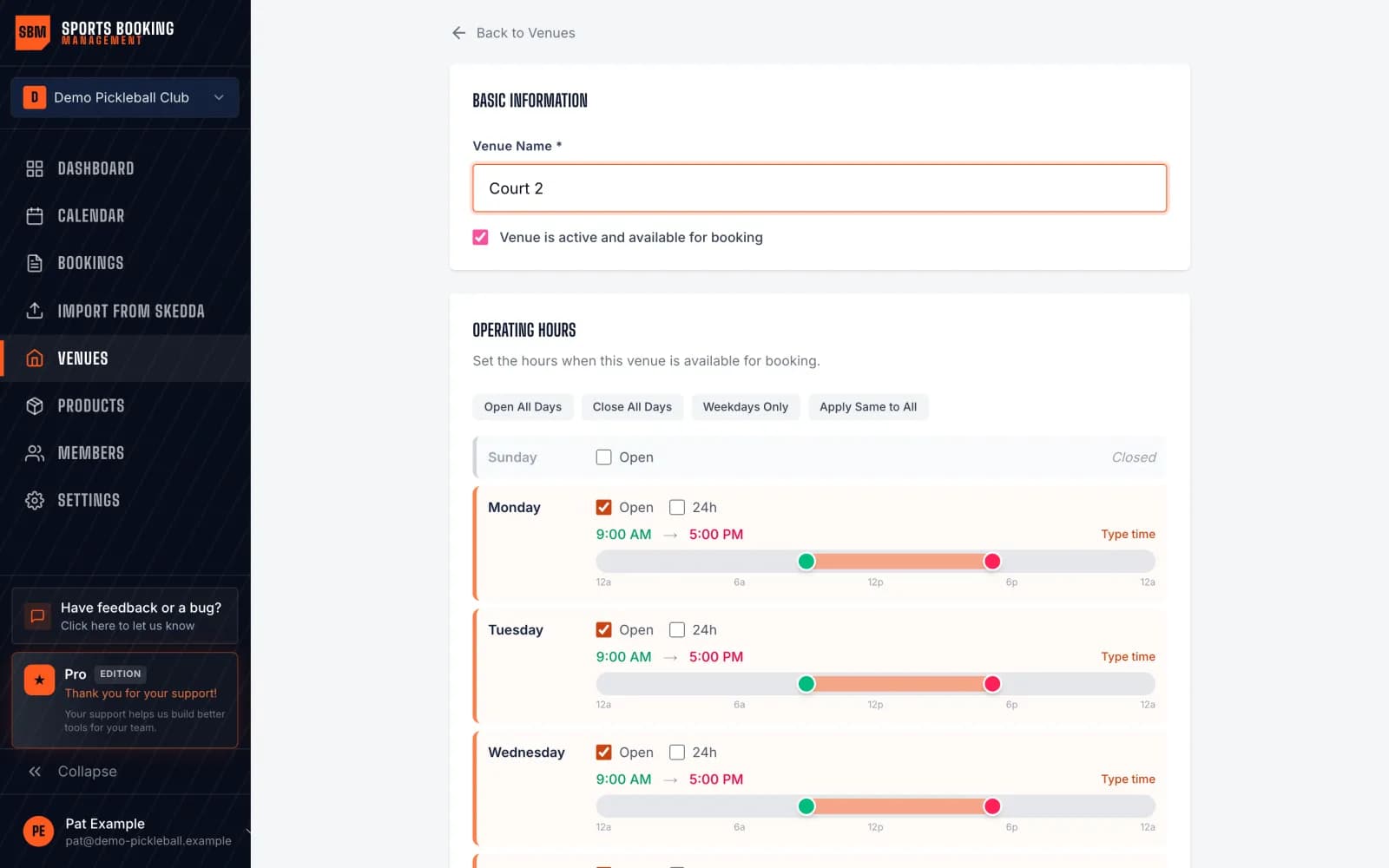
1. Add your venues and courts
Create a venue for each site and add every court, field or space as it really is. There is no court limit, so you never have to merge courts to fit a plan.
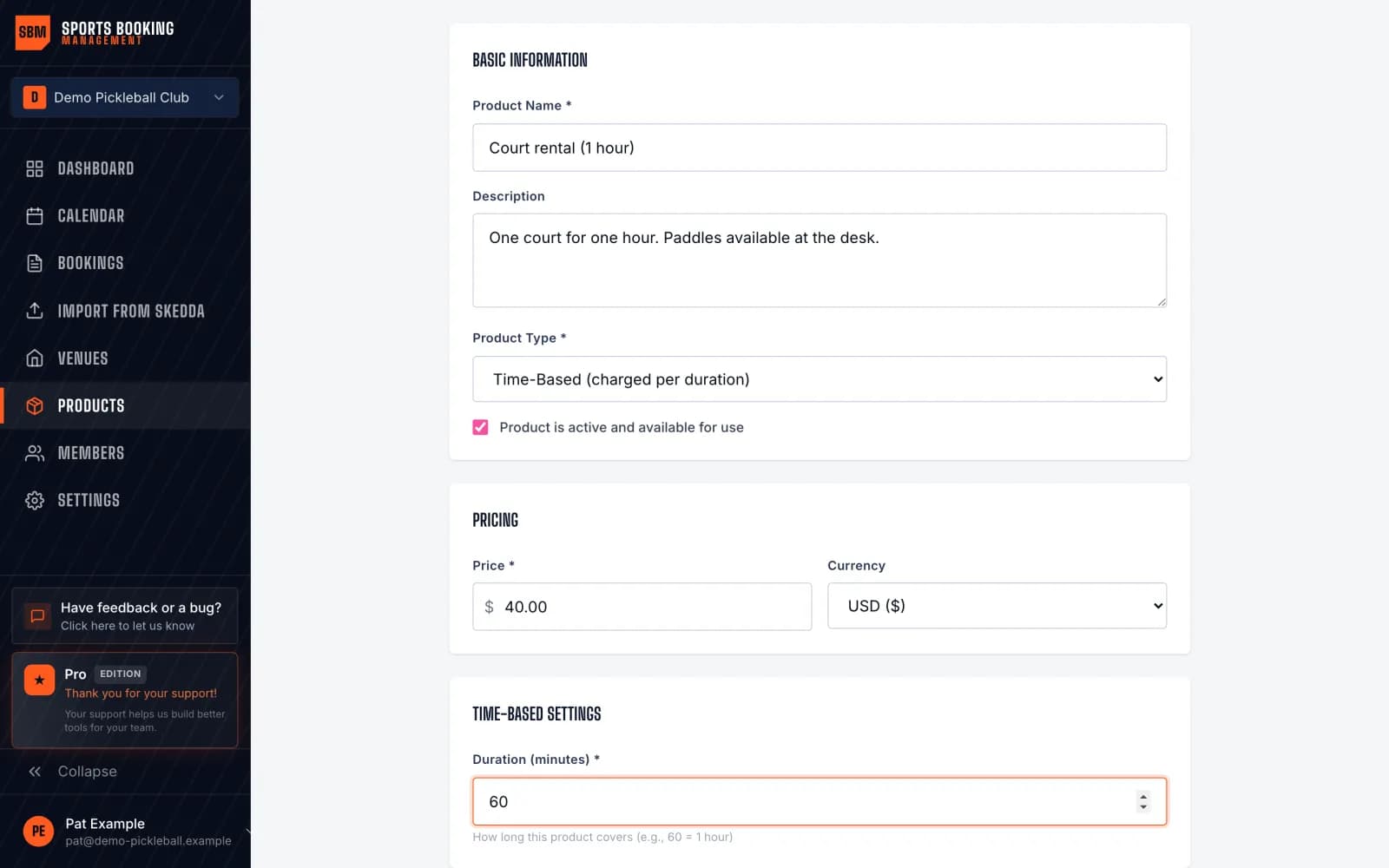
2. Set your rental rates
Add a time-based product for each rate, such as a one-hour court rental, and attach it to the spaces it applies to. Bookings are charged by length.
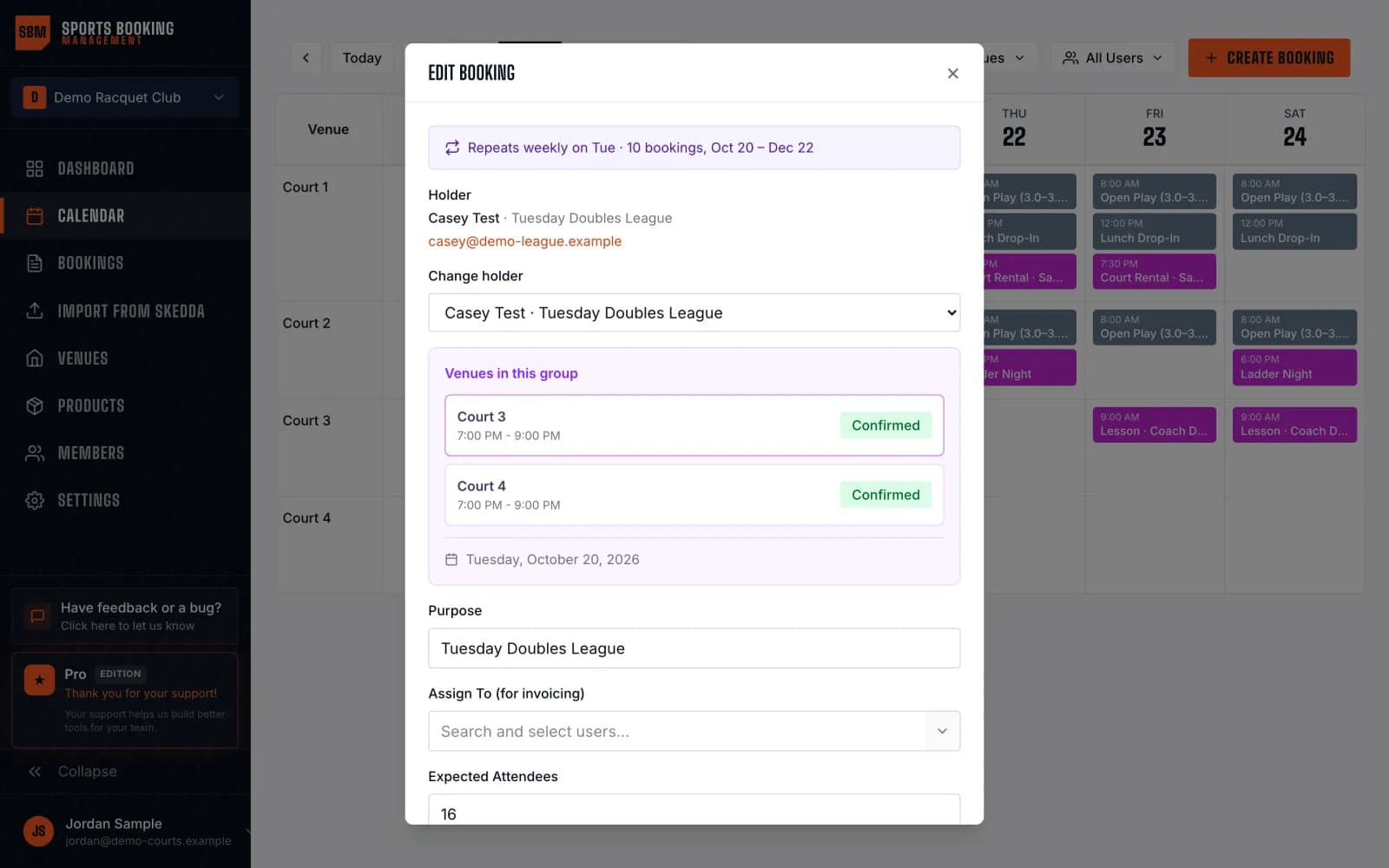
3. Recreate standing bookings as recurring series
Use the rows from your reservations export to rebuild each weekly league or lesson slot as one recurring series, instead of retyping every date.
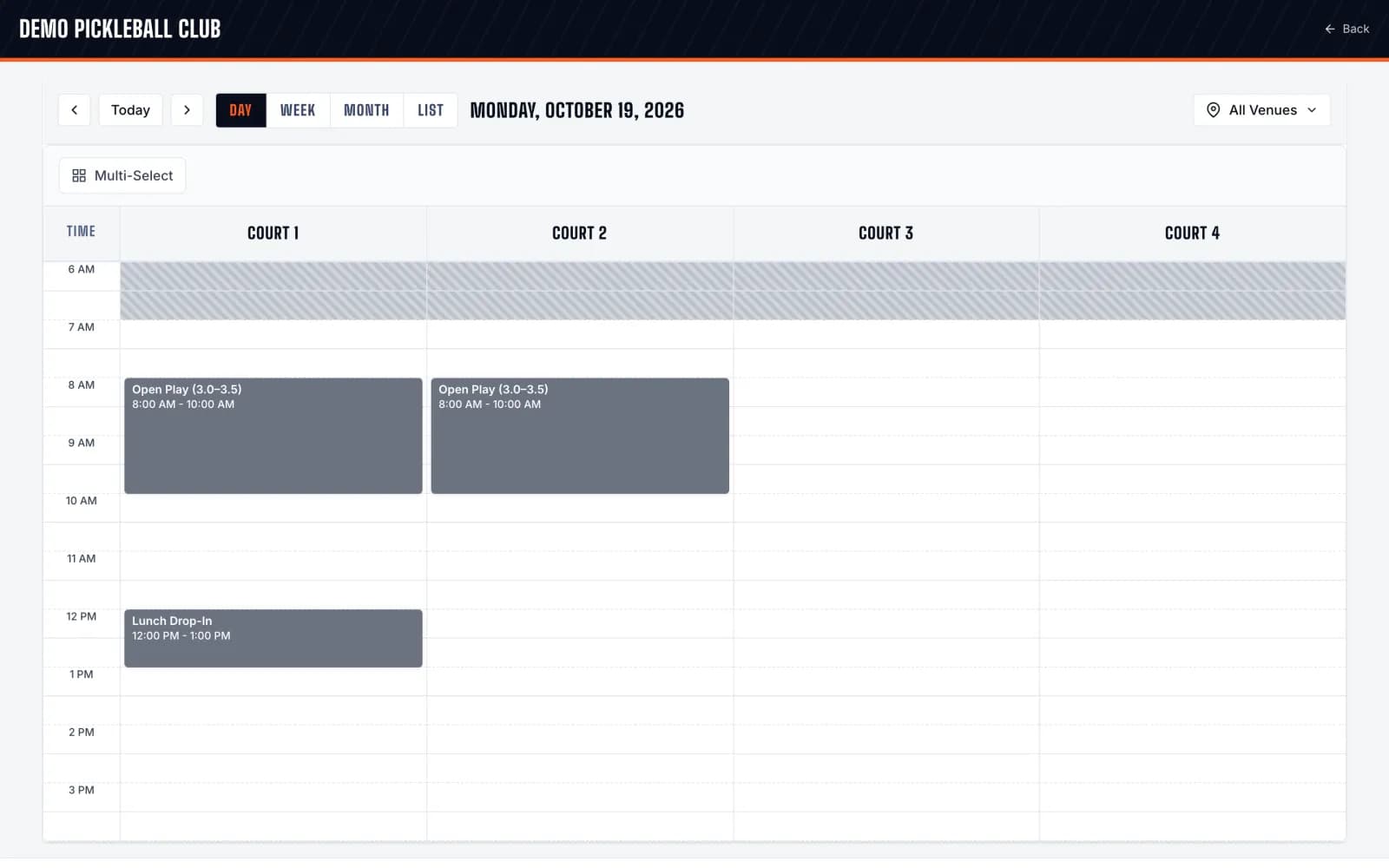
4. Open your public booking page
Share the page with your renters. They pick a time and book without creating an account, with approvals where you want them.
What stays behind
- Program registration, teams and team apps: we do not run those, so keep LeagueApps (or another tool) for registration if you need it
- Payment records: download the LeagueApps payment reports your bookkeeper needs
- The Booking List report is a PDF, so standing bookings are recreated by hand as recurring series
FAQs
Can you import a LeagueApps export automatically?
No. Our self-serve importer reads Skedda files. For LeagueApps, send your allocation export to support and we help you set up your spaces and recurring bookings.
Can we keep LeagueApps for registration?
Yes. Many organizations keep a registration tool for programs and teams and run space rentals on Sports Booking Management.
What does it cost?
One flat monthly plan for unlimited spaces and venues, with no percentage of your bookings. You can set up your spaces before paying.
Leaving LeagueApps?
No card needed · Take real bookings free for 30 days · Then $79/mo if you keep it
Set up free